User ID
- Type
- Text
- Meaning
- Stable internal identifier for the user in export rows.
- Example
- 507f1f77bcf86cd799439011
Privacy-first · Local processing
One click exports Followers, Following, post likes, and comments to CSV, Excel, or JSON—without the copy-paste grind. Add custom user lists from paste or CSV when you need batch workflows.
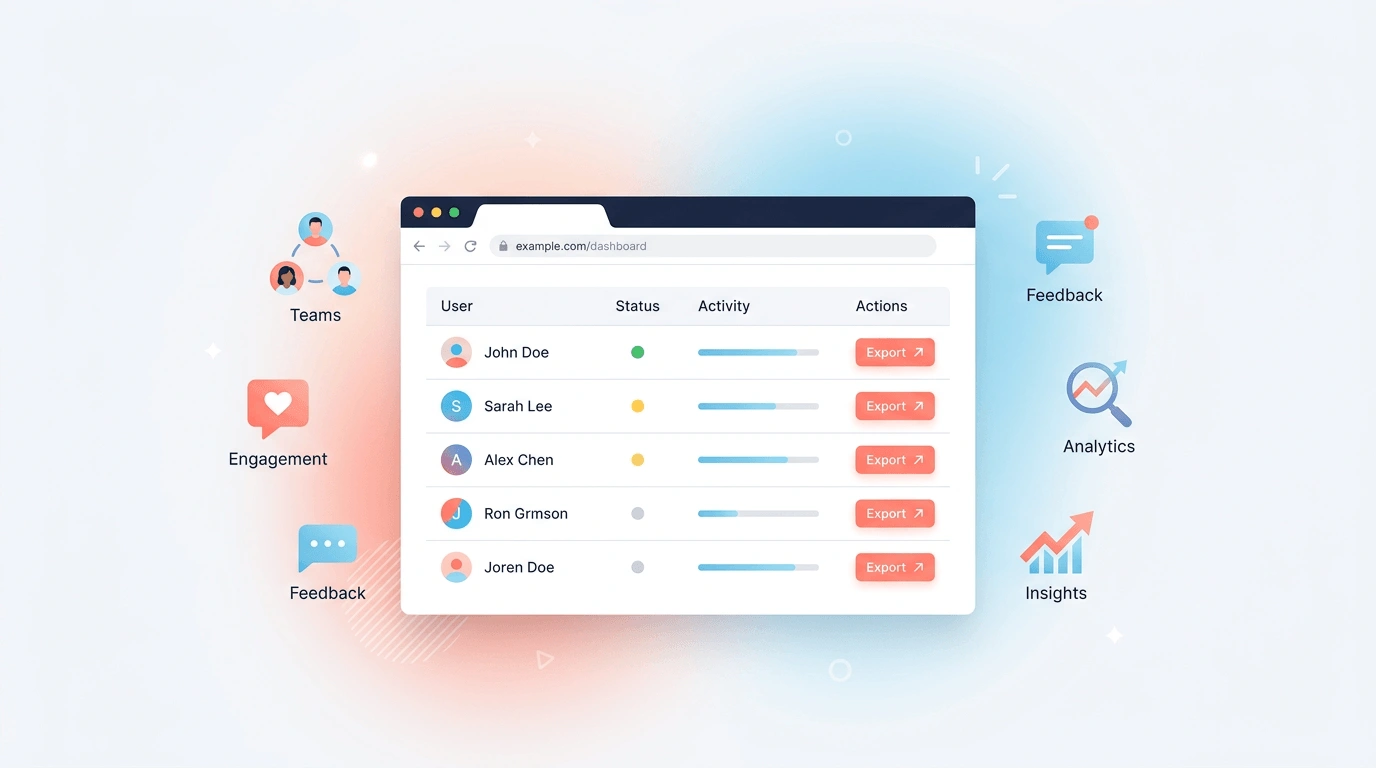
Same extension, multiple export modes—structured rows you can filter, merge, and reuse anywhere.
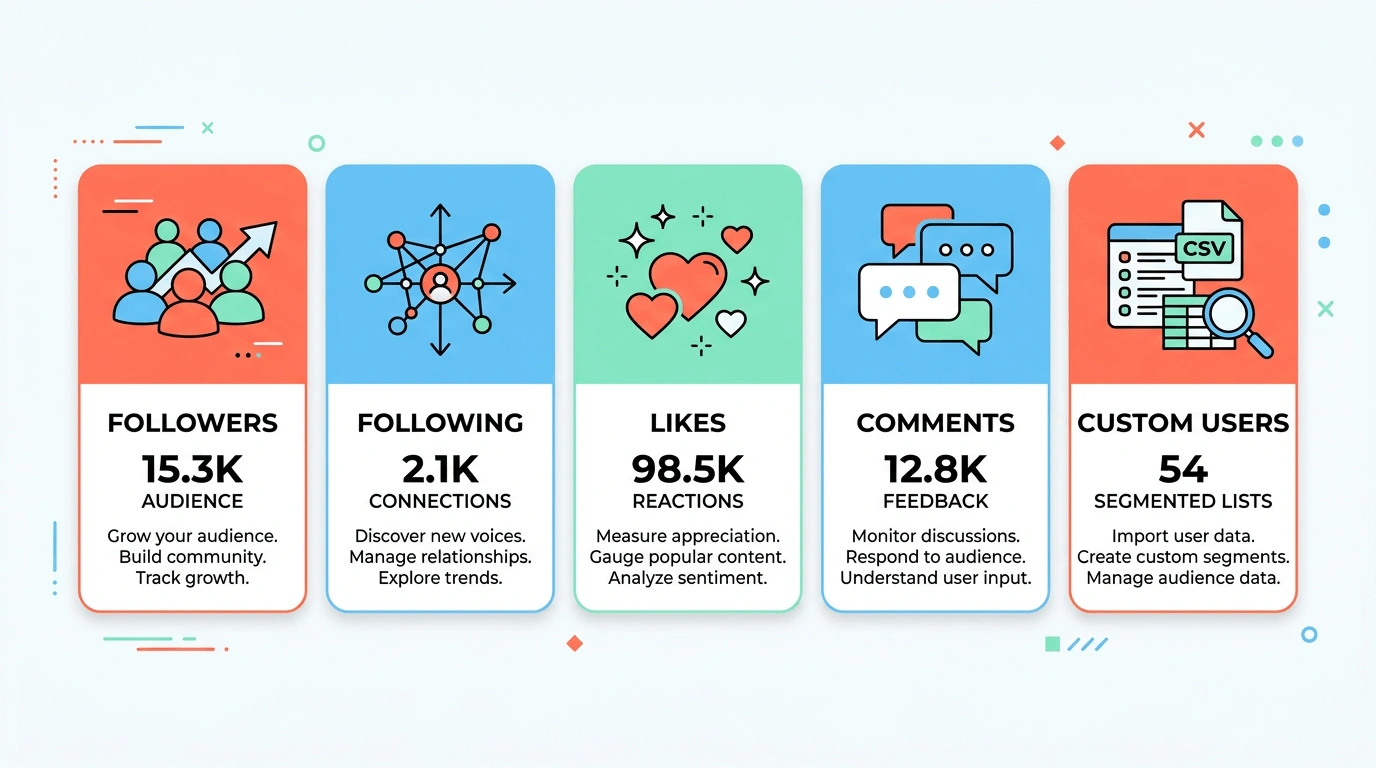
Export lists from a username or closet link—no more manual scrolling and copy-paste.
Pull likers from a post or listing into a clean user table.
Export commenters together with Comment ID, comment text, and timestamps when you run a Comments export.
Paste multiple usernames or links (one per line), or upload a CSV of users to drive a batch export.
Download files that open in Excel, Google Sheets, CRMs, or your own scripts—pick the format that fits your stack.
Export detailed user profiles—including closet stats, sales info, and activity history.
Replace manual copy/paste with a repeatable workflow. Use the extension to scrape the page context you’re viewing and extract structured rows you can filter, merge, and reuse.
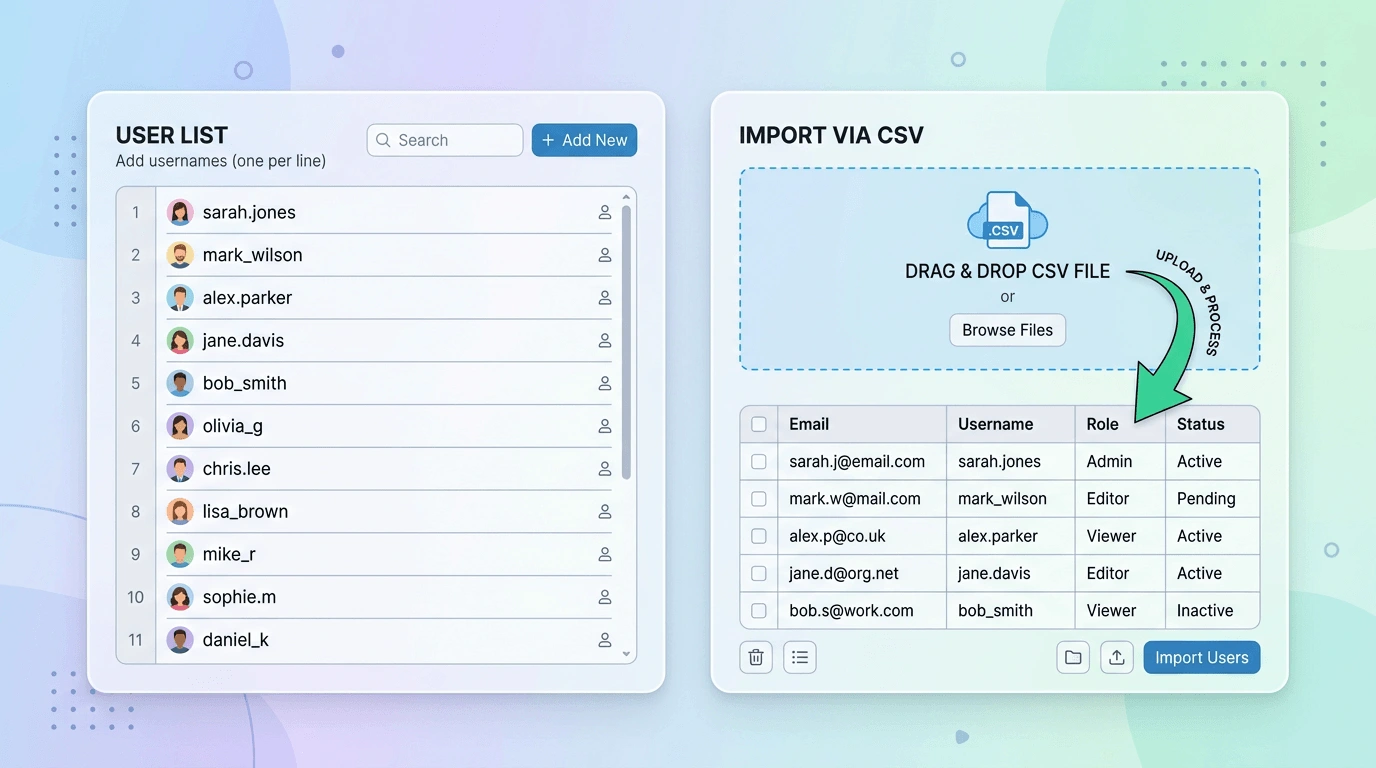
When you already have a lead list, move faster with bulk extract workflows. Paste a list of usernames/links or upload a CSV, then extract user profile details at scale for:

Scraping and extraction run locally while you browse. Your lists and exported files are not uploaded to our servers as part of the scrape/extract workflow.
Combined list of core user columns and extended profile metrics. Which values appear in your file depends on the export mode and what the page exposes.
| Field | Type | Meaning | Example |
|---|---|---|---|
| User ID | Text | Stable internal identifier for the user in export rows. | 507f1f77bcf86cd799439011 |
| Username | Text | Closet handle / @name used on the profile. | closetfinds |
| Full Name | Text | Display name shown on the profile. | Alex Morgan |
| Avatar URL | URL | Direct link to the profile picture asset. | https://…/avatar.jpg |
| Profile URL | URL | Canonical link to the user’s public profile or closet. | https://poshmark.com/closet/… |
| Created At | Date/time | Timestamp for account or profile creation when exposed. | 2024-03-12T18:22:00Z |
| Gender | Text | Gender value from the profile when present. | Female |
| App | Text | App or platform context field when shown on the profile. | iOS |
| City | Text | City from location fields. | Portland |
| State | Text | State or region from location fields. | OR |
Questions? FAQ · help@extensionsfox.com
Three steps from install to a downloadable file.
Add Poshmark Data Export from the Chrome Web Store.
Copy a closet link, post link, paste a custom user list, or upload a CSV of users to select your targets.
Select Followers, Following, Likes, Comments, or Custom Users, then click to export.
Try exports on the free tier , then upgrade to Pro for unlimited exports and extended profile fields—billed monthly.
Validate Followers, Following, likes, comments, and custom user flows.
For sellers, researchers, and growth teams who need full lists and deeper profile columns.
Install Poshmark Data Export and download Followers, Following, likes, or comments in the format your team already uses.
Get Poshmark Data ExportFollowers and Following from a closet, likers from a post or listing, and comment threads (including comment text). You can also run exports from a custom list by pasting usernames/links or uploading a CSV of users.
Extraction runs locally in your browser. Lists and files you export are not uploaded to our servers.
Email help@extensionsfox.com for product questions, billing, or export troubleshooting.